Limits course: 4 lessons
- What limits are, 11:35. Market and limit orders, three outcomes at a limit, the Order Book Top Levels indicator, order strength and exchanges agreeing.
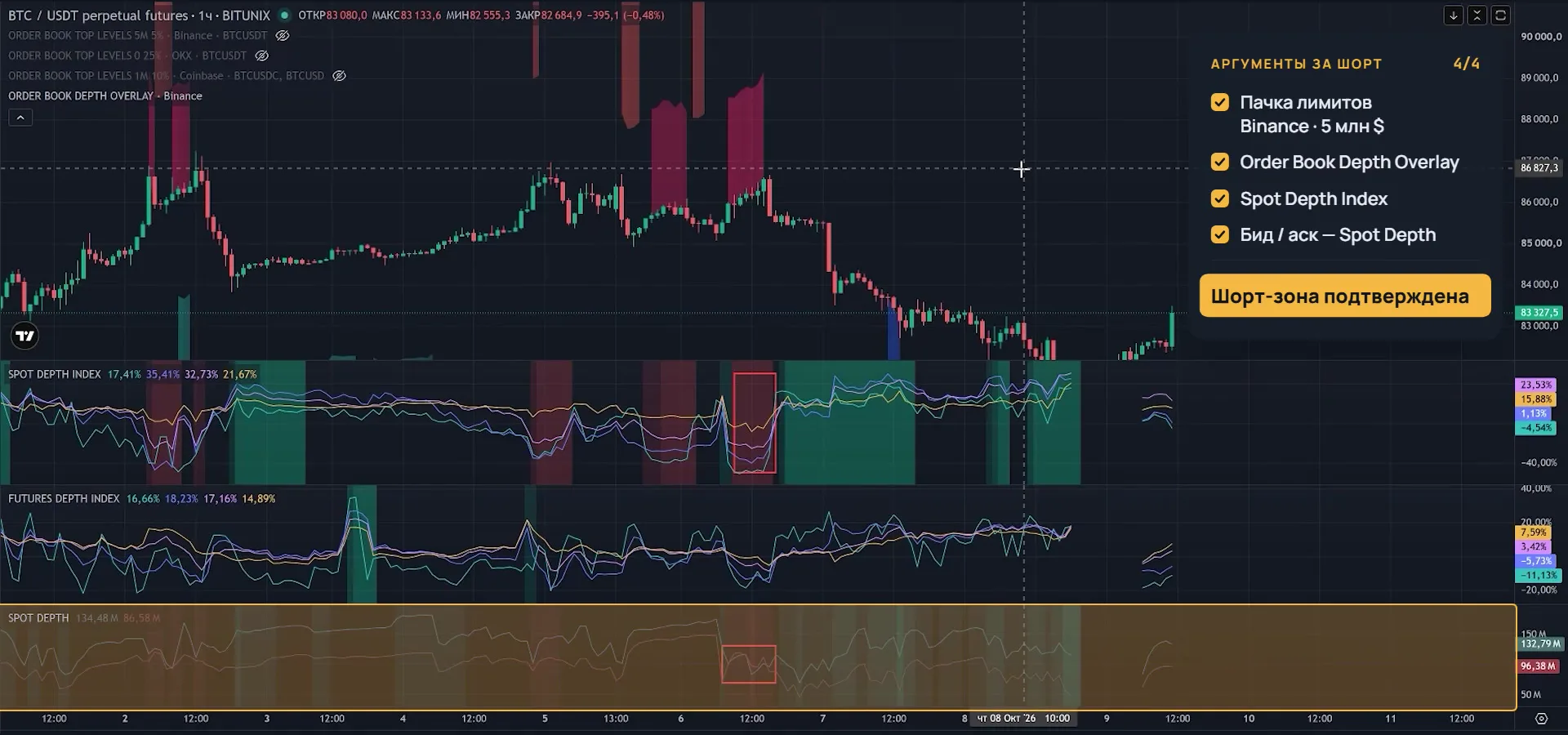
- The Spot Depth indicator, 7:49. Depth and book imbalance, when limits fail, Spot Depth Index and Futures Depth Index.
- OKX limits, 2:42. OKX limits as future targets and an extra factor for entries.
- Working with limits, 14:29. A trade from a $5M pack of Binance bids, bait orders and re-placed orders, where to take profit.
Scalping course: 11 modules, 111 lessons
- Platform setup, 30 lessons: API connection, workspace, order book presets by volume, charts and hotkeys.
- Trading day, coin selection and volatility, 12 lessons: psychology, trading styles, coin tiers, selection by turnover and NATR, workshops.
- Risk management and statistics, 9 lessons: risk per trade, leverage, scaling size, recording and reviewing trades.
- Levels, 13 lessons: level theory, three practice lessons, trade logic and reviews.
- Trends, 14 lessons: ten lessons on trend trading and a review of trend trades.
- Triangles, 10 lessons: the pattern and examples from trade reviews.
- Double top and double bottom, 1 lesson.
- Open interest, 3 lessons.
- Inefficiencies, 9 lessons: including large limit orders and order book walls.
- Bots, 7 lessons: algorithms visible in the order book, including the liquidation bot.
- Funding, 3 lessons.
Extra sessions: 30
Psychology and managing emotions, cross-exchange and funding arbitrage, trading volatility, stablecoins and depegs, bots, trading sharp sell-offs.
How learning works
- Lessons open from the Telegram bot; videos play on the protected T_Base platform with personal access.
- After each lesson there is a test and a note; progress by module is shown in your account.
- The AI mentor answers questions about any lesson.
- Access lasts 6 months: learn at your own pace and return to hard topics.
Start with 7 days of Limit Map
A short video and 7 days of full Limit Map access are in the Telegram bot, no sign-up or password.
Open @T_Basebot